
Organize every fee, monitor balances, and keep parents accountable — all from one simple dashboard designed for schools of any size.
Give the fee a name, pick whether it's a standard tuition fee or a custom subscription (think: bus transport, meal plan, uniforms), then select the term and session. You can set up fees in advance for next term without affecting this one — so your bursar isn't scrambling when the new term opens. Add the amount and a brief description, and you're done.
 Tuition fee or custom subscription — you decide the typeSelect term & session — create fees for future terms in advanceAdd an amount and a short descriptionFee stays inactive until you assign it — no premature charges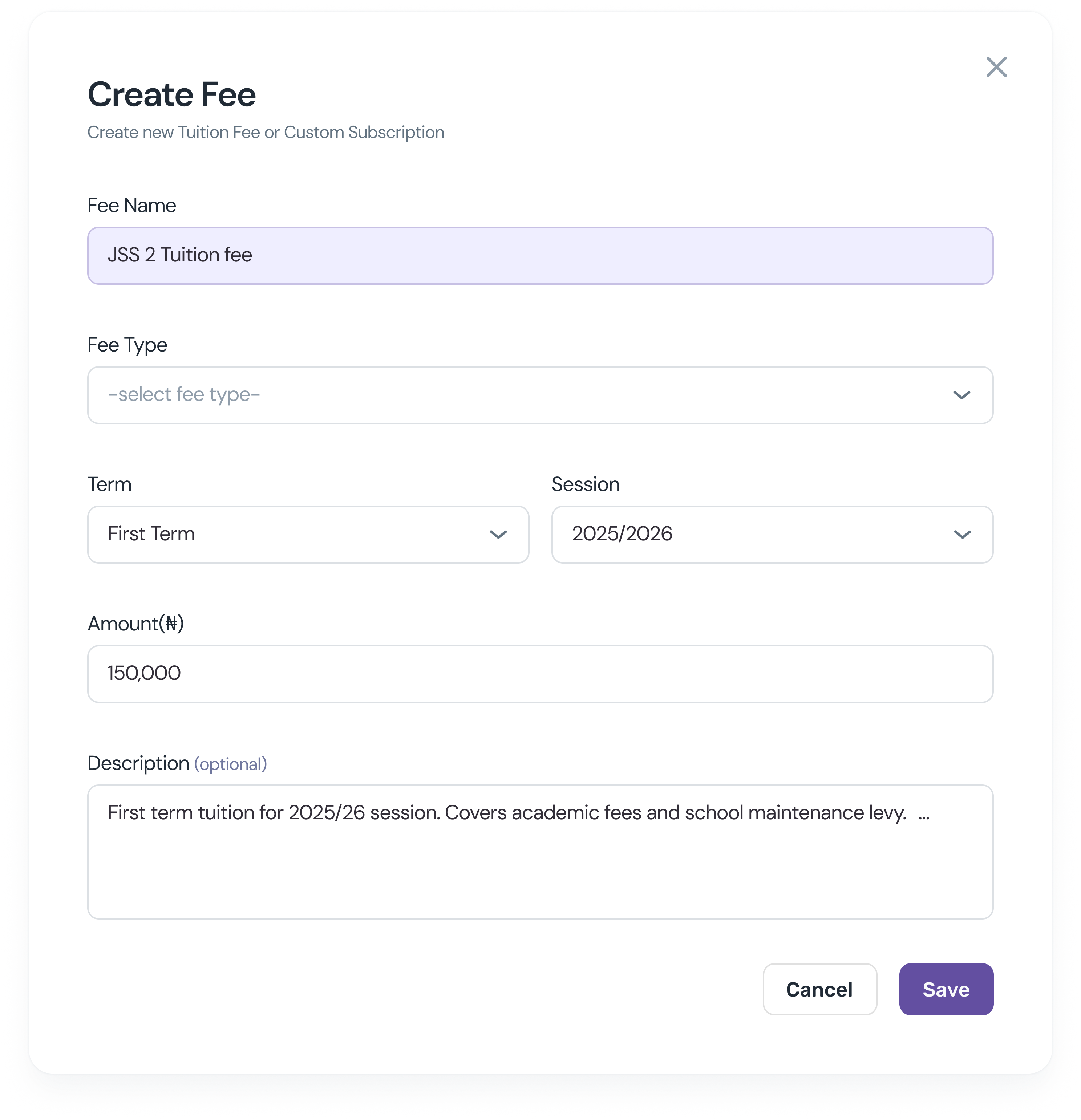
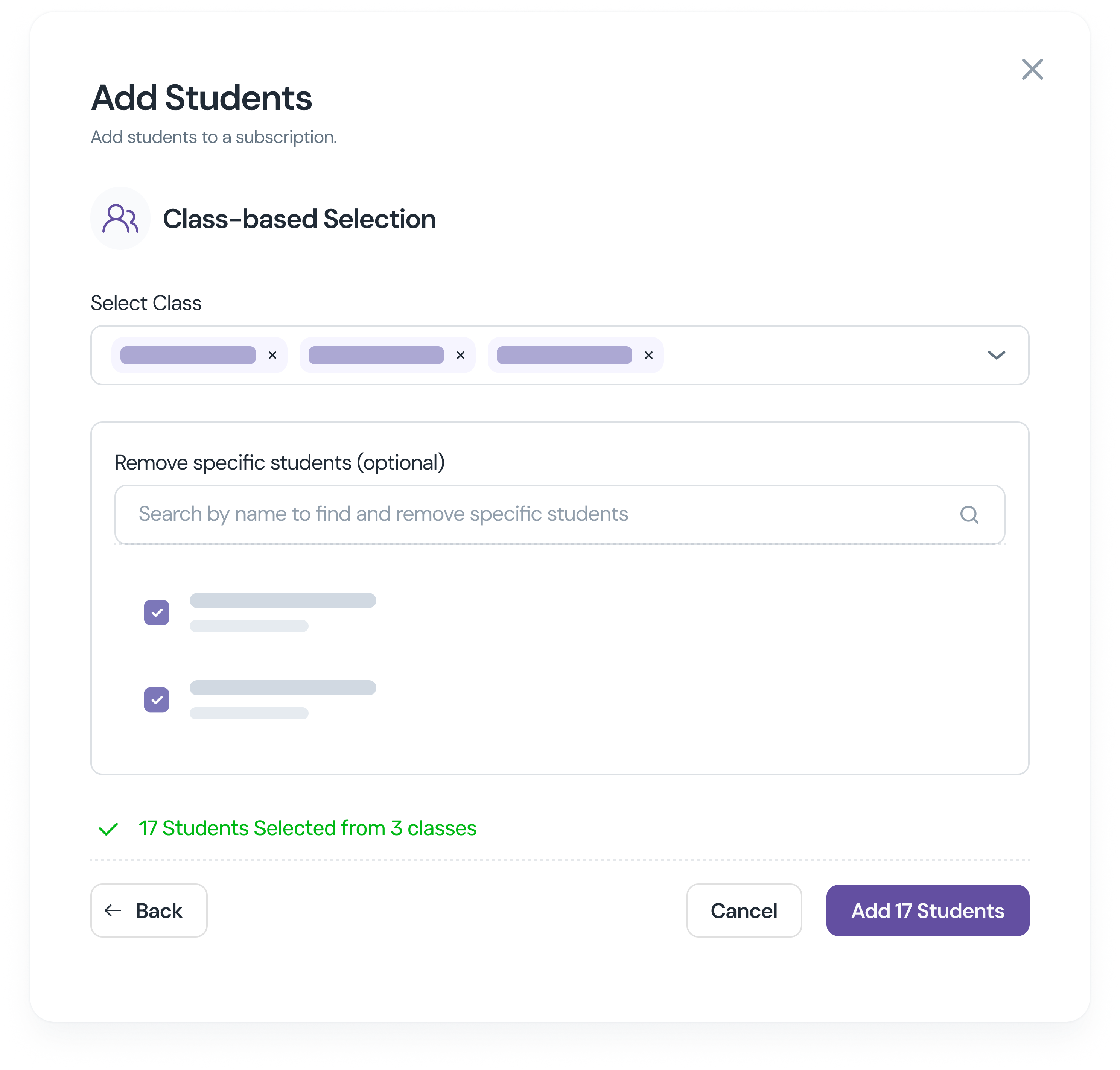
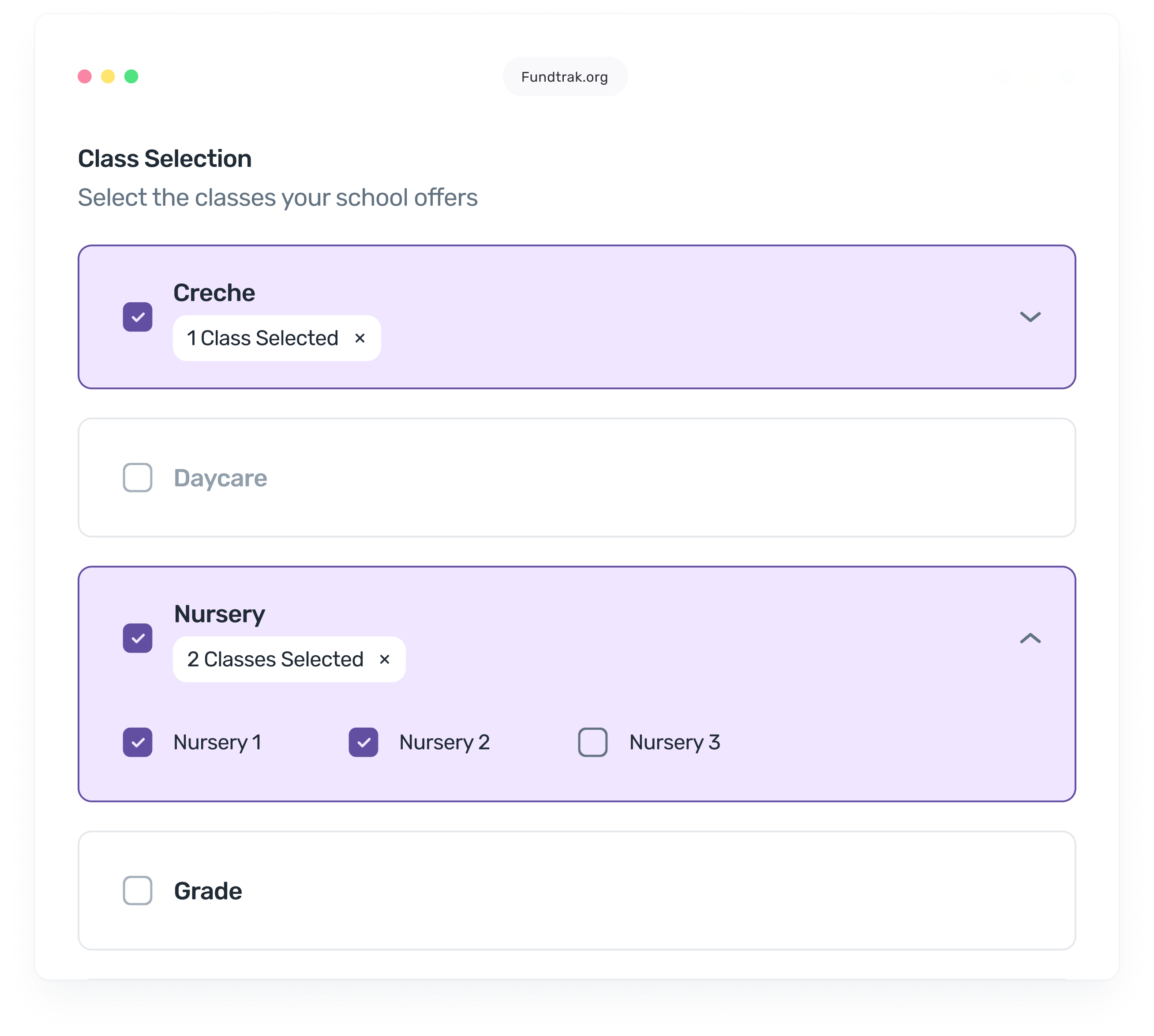
Choose how you want to assign the fee. For class-based assignment, a multi-select dropdown lets you pick as many classes as you need — select ten at once and every student in those classes gets the fee. For individual assignment, search any student by name and tick their checkbox. Made a mistake? Search the assigned list and uncheck anyone who shouldn’t be on it. You’re always in control of exactly who gets charged.
 Class-based: multi-select dropdown — pick one class or tenIndividual: search by name, tick checkboxes to addRemove specific students by searching and uncheckingSee the full assigned list before the fee goes live
You don’t enter anything manually. As soon as a payment is linked to a student — from the bank feed or manually — their outstanding balance clears immediately. The live tracker shows your school’s full collection status, broken down however you need it: by class, by arm, or by fee type. No end-of-week updates. No reconciling against paper records. Always live.
Payment confirmed → balance updates everywhere instantlySchool-wide collection progress in real timeFilter by arm, class, or individual feeOverpayment logged and carried forward automatically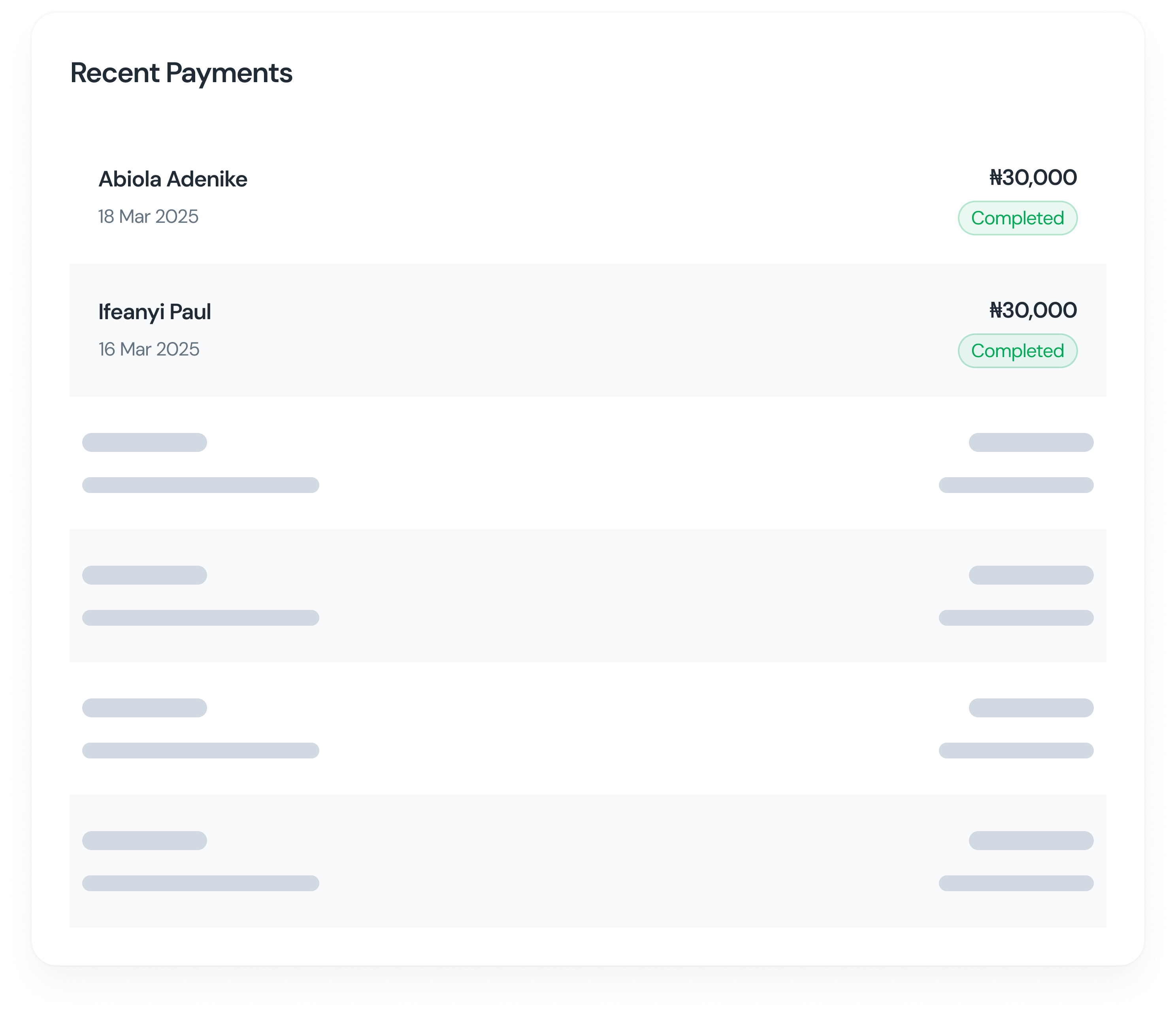
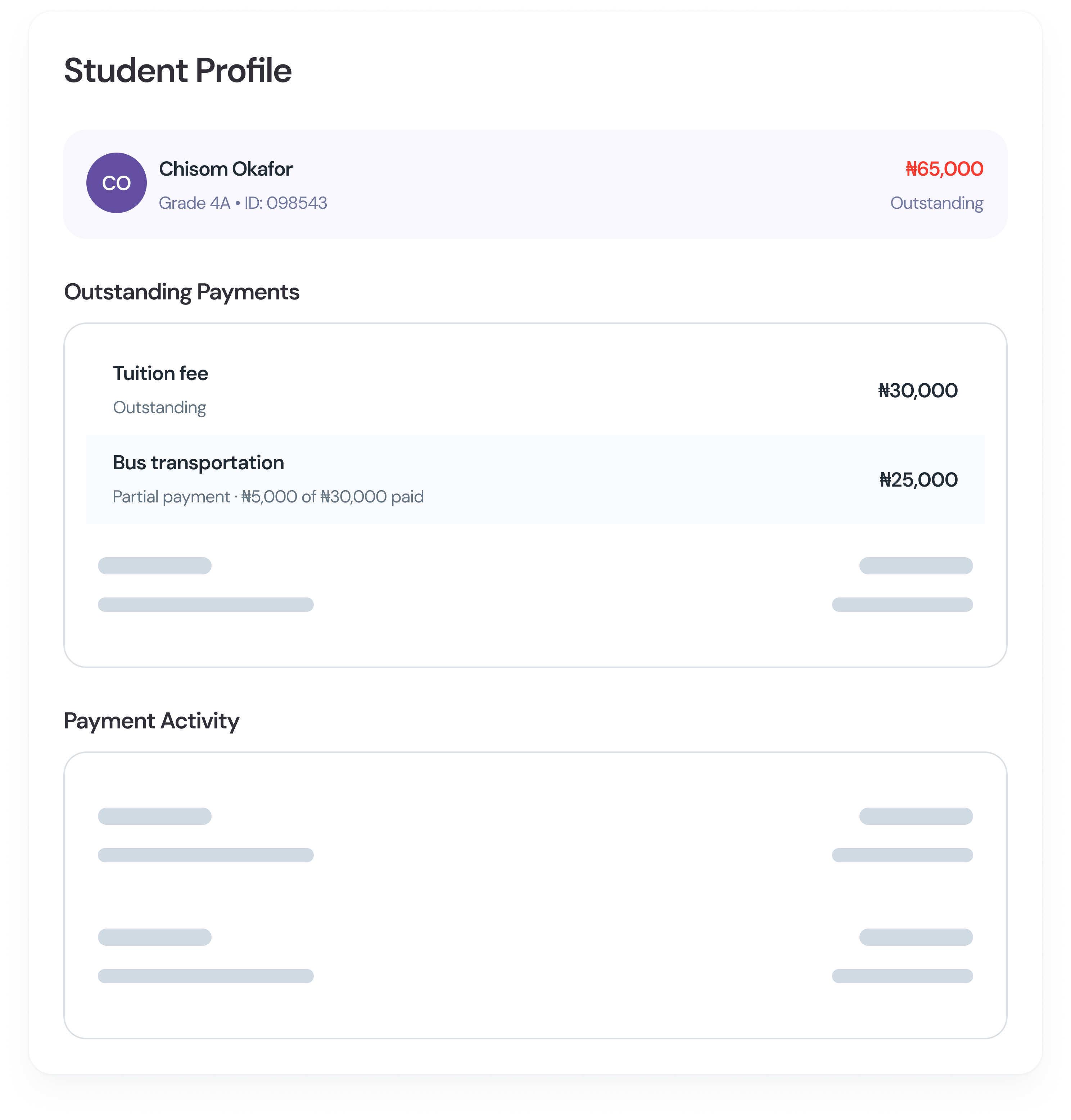
The moment a fee is assigned, it appears in the student’s ledger. The moment a payment is confirmed, the ledger updates. No manual entry, no reconciling, no “let me check and get back to you.” When a parent disputes a balance, you open the ledger — every fee, every payment, every date is right there. Disputes resolved in seconds, not days.
Every assigned fee shown with due date and statusFull payment timeline — dates, amounts, sourcesOutstanding balance always current, never staleShare directly with parents via WhatsApp in one tapAccuracy in balance tracking
Faster fee reconciliation
Accuracy in balance tracking

